
Have Questions?
Contact Admissions & RecordsRegister for Classes with MyMPC
MyMPC is MPC’s online student portal and your starting point for registering for classes. After logging into Lobo Apps, select the MyMPC tile to manage your courses and student information in one place.
With MyMPC, you can browse the class schedule; register, drop classes, and join waitlists; view final grades; update personal information (address, phone number, preferred name, and more); pay tuition and fees; and more.
Students who are continuing at MPC may qualify for Priority Registration—an enrollment date prior to open enrollment—determined by how long you’ve been an MPC student, how many units you’ve completed, and other criteria.
View More on Priority Registration
Need Help Getting into Lobo Apps?
Click the button below to review the process for accessing your student account so you can log into Lobo Apps and access MyMPC.
Choose Your Classes & Register
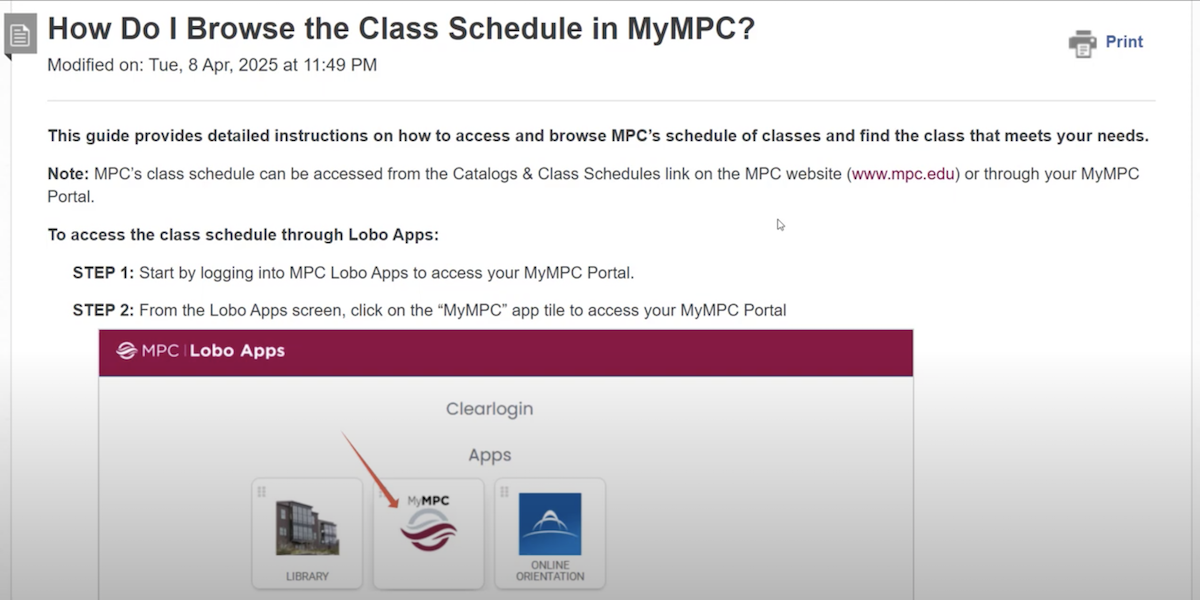
1. Browse the Class Schedule
View the below tutorial for information on browsing the class schedule.
 Play Video
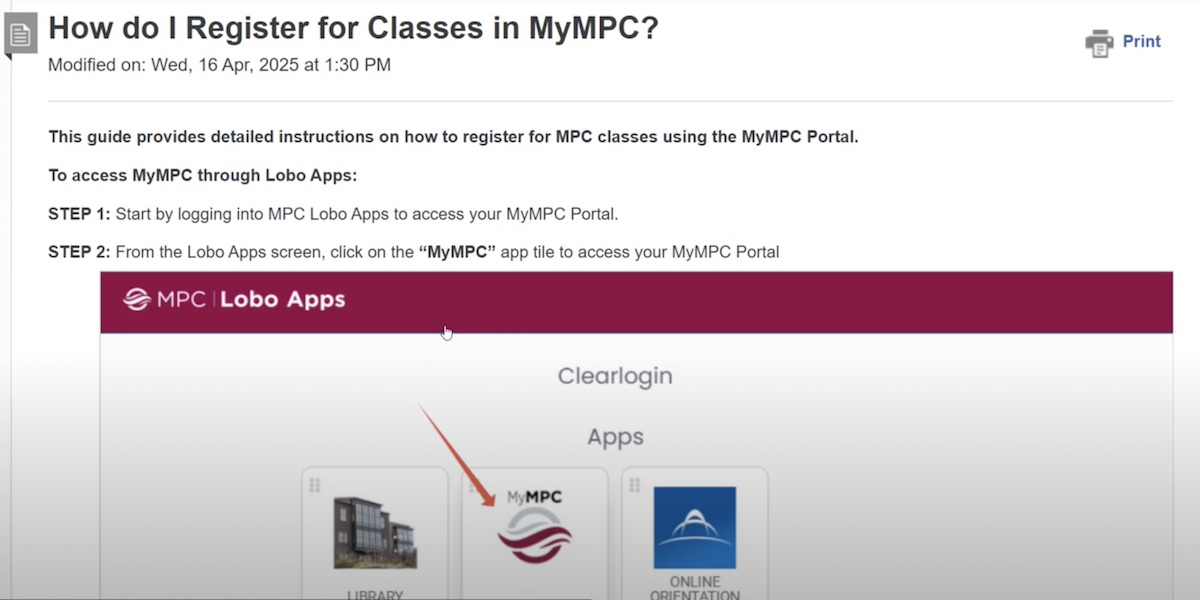
2. Register for Classes in MyMPC
View the below tutorial for information on how to register for classes.
 Play Video
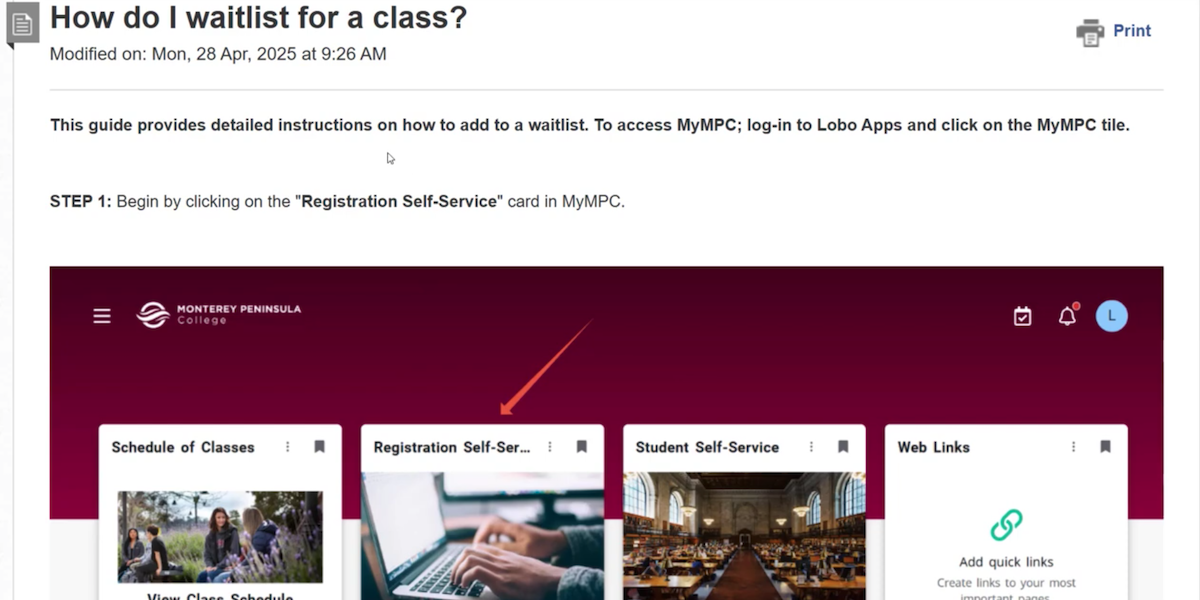
3. Join the Waitlist for a Full Class
View the below tutorial for information on how to join a waitlist for full classes.
 Play Video
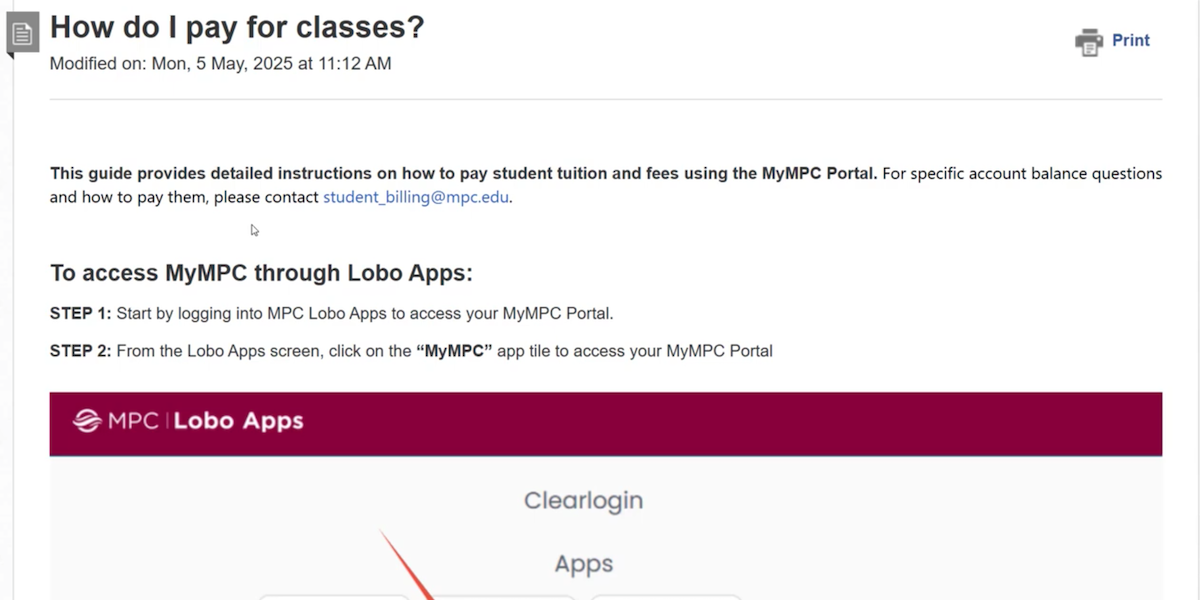
4. Pay for Classes
View the below tutorial for information on how to pay for classes.
 Play Video